

 Français

Split it your way
Equal shares, exact amounts, between some people only, or based on everyone's income. Several payers? No problem.

No more spreadsheets and “how much do I owe you again?”. Koloc is the web app that splits flatshare expenses: everyone notes what they pay, Koloc keeps the accounts and tells everyone where they stand.
Equal shares, exact amounts, between some people only, or based on everyone's income. Several payers? No problem.

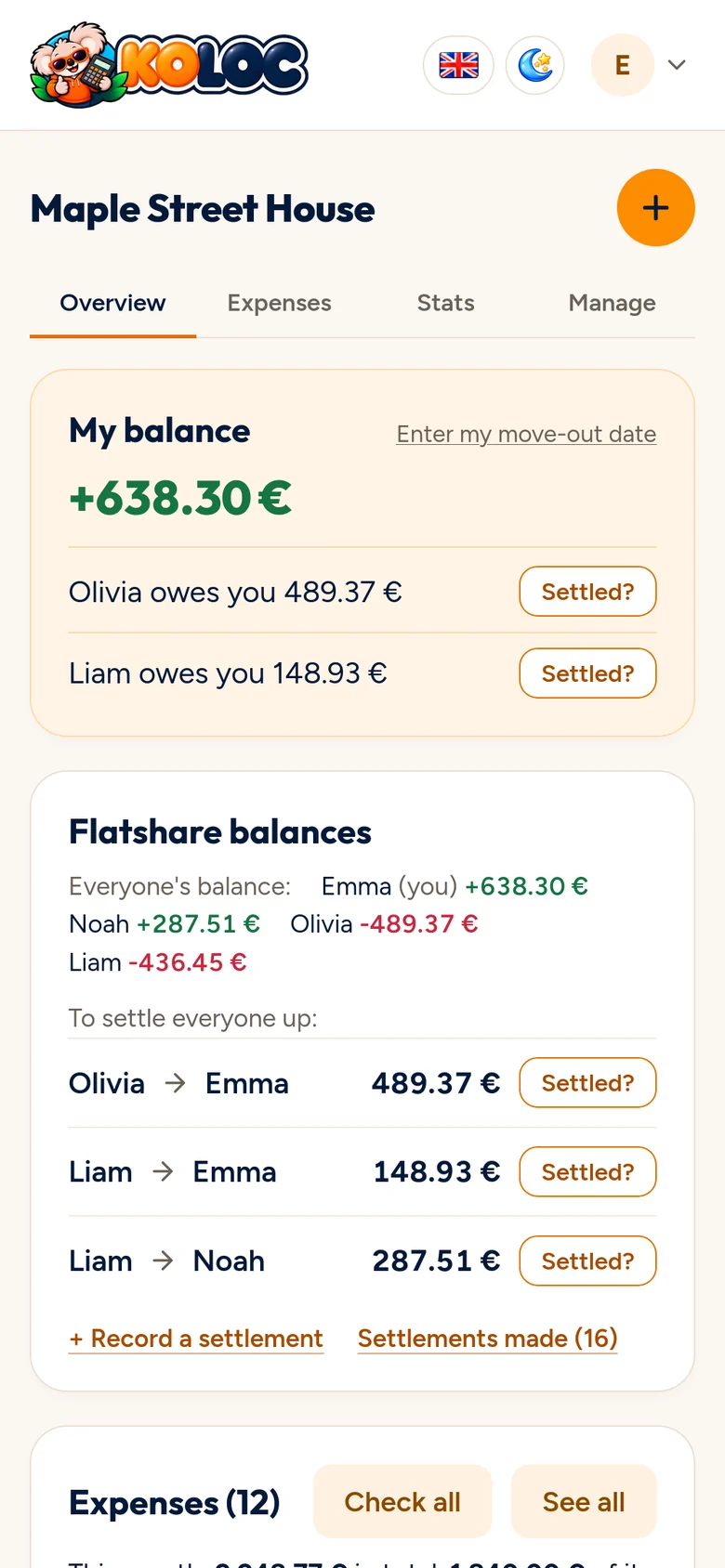
Everyone's balance in real time, and the fewest transfers to settle everyone up. One click on "Settled?" and it's recorded.

Snap the receipt or drop in the PDF invoice: Koloc reads the items to tell shared from personal.

Rent, internet, electricity: added automatically on each due date, with nothing to retype.

A weekend, a holiday, a group gift: the same tools, for as long as the plan lasts.

Where the money goes, who paid what, month by month. And your own stats, just for you.

Invite your flatmates with a link. Read-only, read-write or manager: everyone has their role.

Keep a copy of your expenses whenever you like, for your accounts or your records.
On your phone
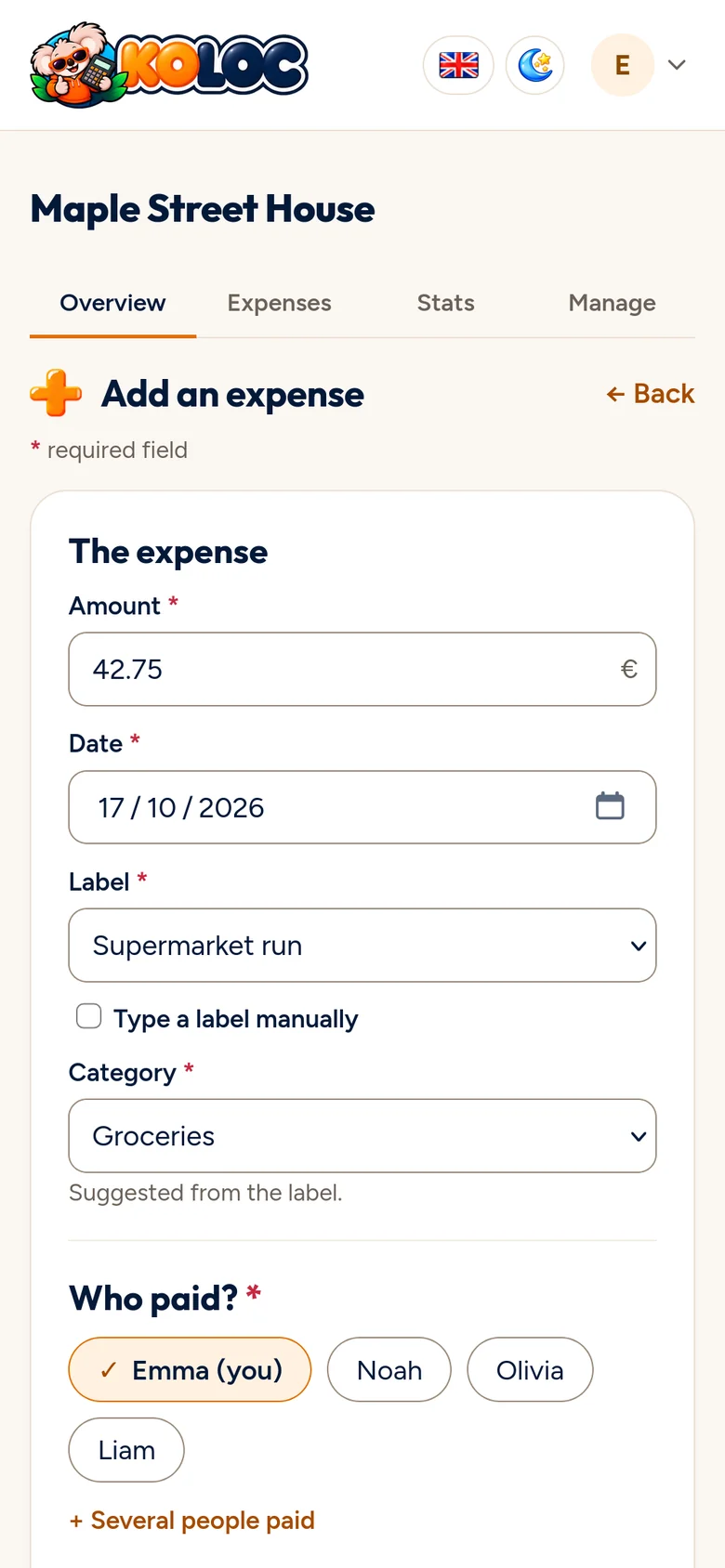
Koloc runs in the browser, with nothing to download, and sits on your phone's home screen like a real app. At the supermarket, the expense is recorded before the shopping is even put away.



Give it a name and add your flatmates' first names. Thirty seconds, tops.

Everyone notes what they pay, from their phone or computer. Recurring expenses add themselves.
Koloc works out the balances and suggests the transfers to make. You're all square, no arguments.
Create your flatshare and add your flatmates. Whenever someone pays for something for the house, they add it to Koloc: the amount, who paid and who to split it between. Koloc keeps everyone's balance and suggests the fewest transfers to settle up.
No. Koloc works in your browser, on computer, tablet or phone. On your phone, you can add it to your home screen and open it like an app.
Yes. Each expense category is split equally or by income: you enter everyone's income and their share follows. An expense can also be split by exact amounts, or between some flatmates only.
Everyone only pays shared expenses for the time they were there. When someone leaves, Koloc prepares their move-out, balance included, so nobody is left owing money.
Snap the receipt or drop in the PDF invoice: Koloc reads the items, and you mark each one as shared or for one person. The expense amount fills itself in.
Yes, with events: a weekend, a holiday or a group gift get their own expenses and their own accounts, with the same tools as the flatshare.
Koloc is designed and hosted in France, with no ads and no tracking. Your expenses are only used to keep your flatshare's accounts, and only the people you invite can see them.
For now, accounts are opened on request: write to us using the contact form, we create your access, then you invite your flatmates with a link.
For now, Koloc accounts are opened on request: write to us, we create your access, and you invite your flatmates right away.